
Logpoint SIEM needs to normalize your logs before UEBA can use them. For that reason, you need to add compiled normalizers and normalization packages specific to UEBA.
If you need more information about SIEM normalization, go to Adding a Normalization Policy.
Go to Settings >> Configuration >> Normalization Policies.
Click Add.
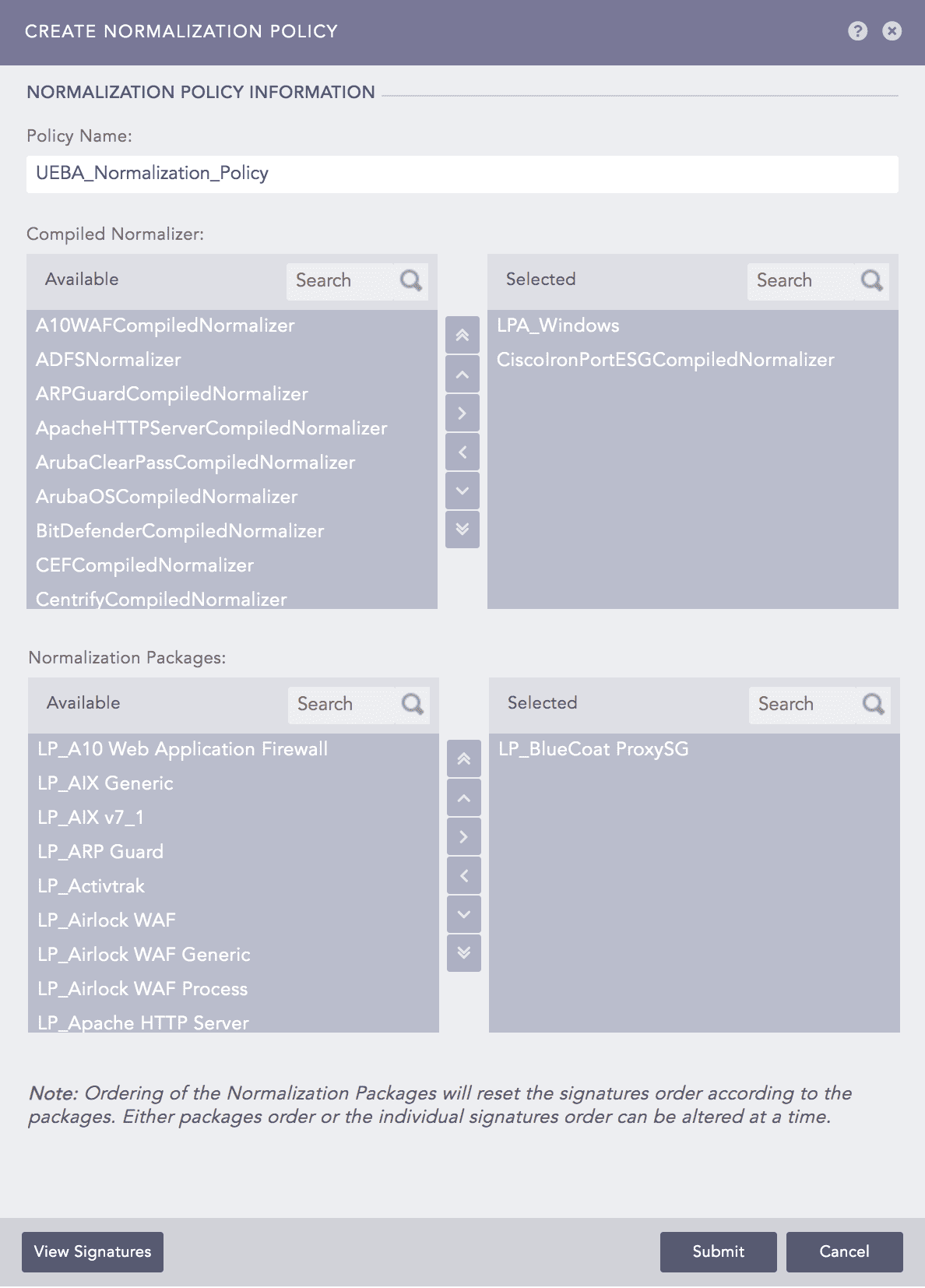
Adding a Normalization Policy
Enter a Policy Name.
Select the required normalization packages and compiled normalizers only. Logpoint provides the following normalization packages and compiled normalizers to normalize the Active Directory, web proxy, email, VPN, authentication, and resource access logs.
S.N. |
Data Category |
Normalization Packages/Compiled Normalizers |
1 |
Windows Active Directory |
|
2 |
Web Proxy |
|
3 |
|
|
4 |
VPN |
|
5 |
Authentication |
|
6 |
Resource Access |
|
Click Submit.